Login
Login
Book a Demo
Book a Demo


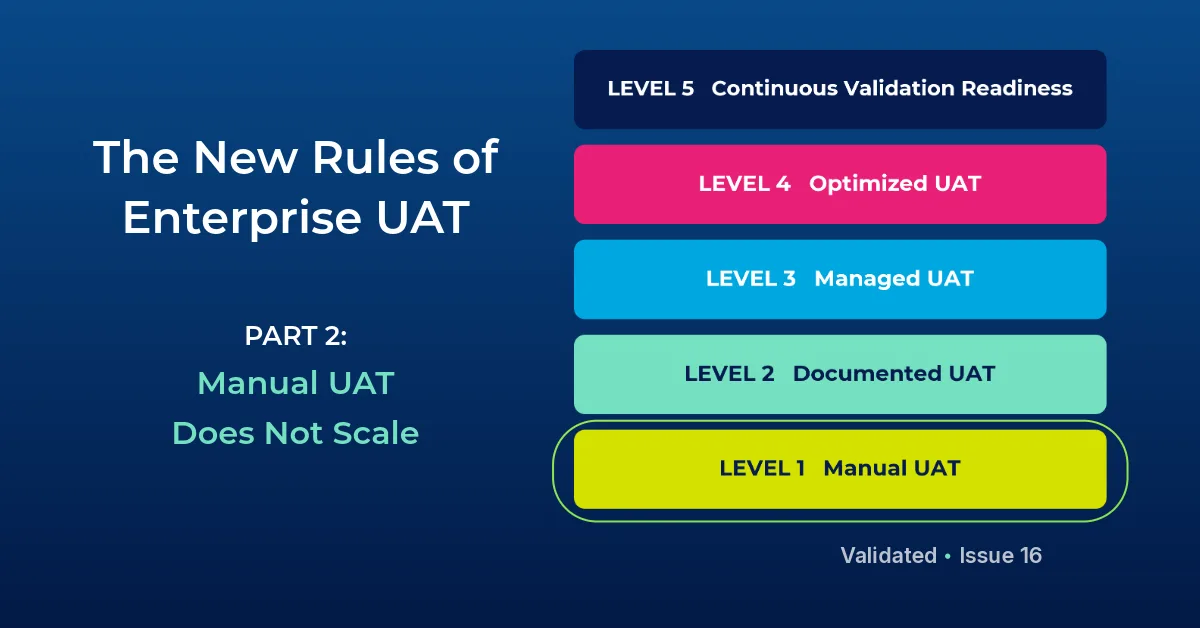

The New Rules of Enterprise UAT – Part 2
In the first article in this series, I introduced the idea that enterprise UAT needs its own maturity conversation. Not just software testing maturity. Not just QA maturity. Enterprise UAT maturity, especially for highly configurable, business-critical and regulated third-party systems.
The first rule was simple: the vendor owns the software, but you own the outcome. Whether the system is an LIS/LIMS, EHR, Order Comms platform, PACS, middleware, Workday, ERP, HRIS, QMS or another operationally critical platform, the organization implementing the system is responsible for proving that it works correctly in its own environment. That includes the workflows, configuration, integrations, data movement, user roles, approvals, exceptions and downstream impacts that determine whether the system is truly ready for use.
The second rule follows naturally from the first:
Manual UAT is the first level of the Enterprise UAT Maturity Model, and it is still where many organizations are. That does not mean the people involved are careless or unsophisticated. In many cases, the opposite is true. Manual UAT often survives because experienced project managers, analysts, clinical subject matter experts, business users and approvers have become very good at holding a difficult process together with whatever tools are available.
They build spreadsheets. They create folders. They take screenshots. They write notes. They email issues. They chase approvals. They sit in status meetings and reconcile information from multiple people, multiple workstreams and multiple versions of the truth. They make it work because the project has to move forward.
But there is a difference between a process that can be made to work and a process that can scale.
Manual UAT may be manageable for a small, low-risk project with a handful of test cases and a small group of users. It becomes much more fragile when the work involves multiple departments, sites, applications, interfaces, approvers, vendors, regulatory requirements or operational deadlines. It becomes even harder when the same organization is managing dozens or hundreds of software projects at the same time, each with its own testing needs, resource constraints and go-live pressure.
Manual UAT rarely looks broken at first. In fact, it often looks organized enough from the outside. There may be a test plan, a shared spreadsheet, folders for screenshots, a weekly project call and a process for logging issues. The team may have a basic sense of who is testing what, which areas are complete and what still needs attention.
The problem is that most of this structure depends on manual coordination. Someone has to keep the tracker updated. Someone has to remind testers to attach evidence. Someone has to confirm whether an issue was fixed, whether it was retested and whether the retest evidence was captured. Someone has to chase approvers. Someone has to assemble the final documentation, often after the testing itself is complete and everyone has already moved on to the next urgent task.
That amount of manual effort creates risk. Not because people are doing a bad job, but because the process depends too heavily on memory, interpretation and follow-up. A screenshot saved in the wrong folder may be difficult to find later. A test case marked complete may not include the evidence needed for review. An issue may be discussed in an email thread but not connected back to the original test. A failed step may be corrected informally, without a clear retest record. An approval may be delayed because the reviewer does not have the full testing context in one place.
When UAT is manual, the work may be happening, but the organization often lacks a reliable, real-time view of what is actually true.
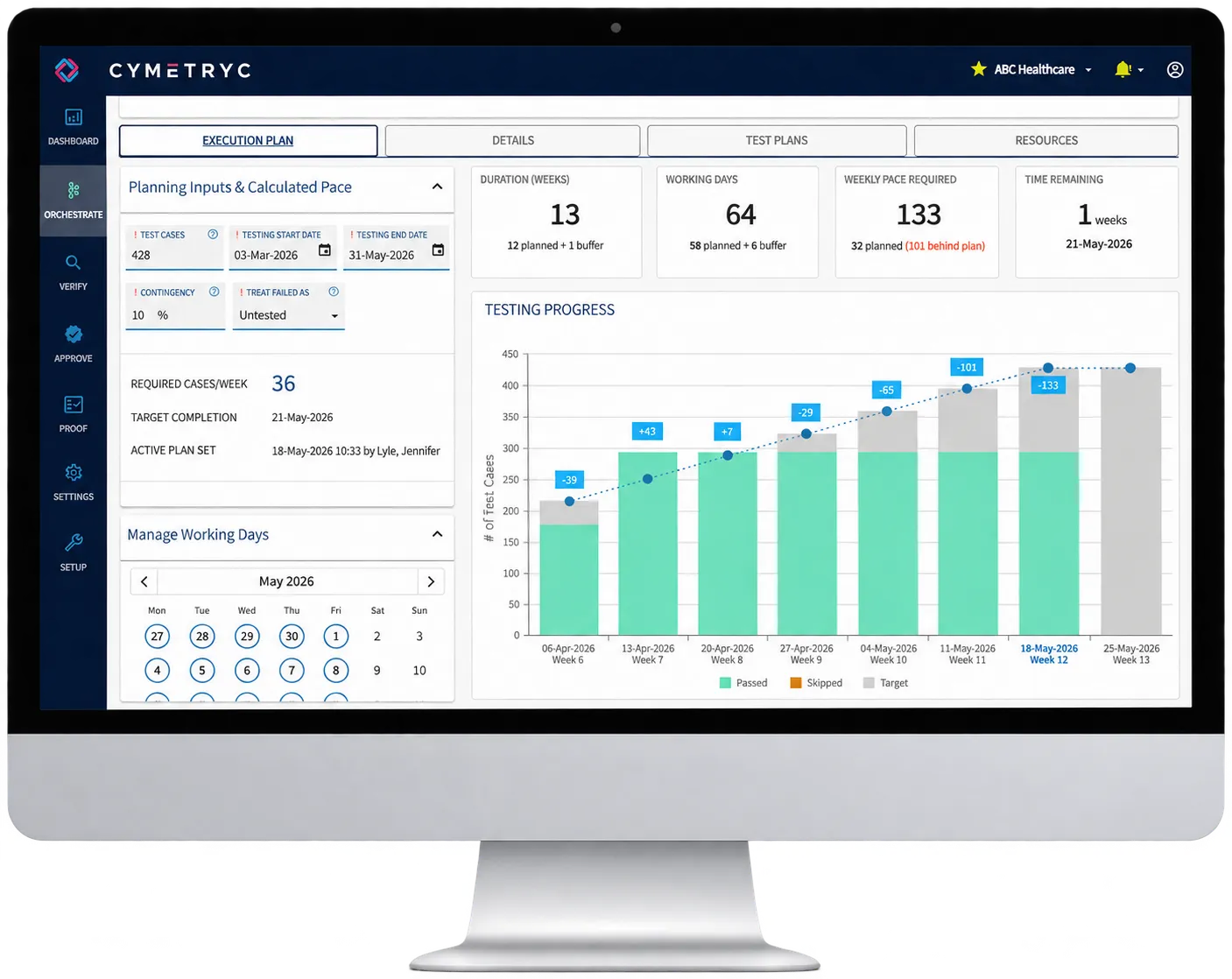
One of the biggest limitations of manual UAT is the lack of visibility. Project leaders need to know where testing stands, what is blocked, what has failed, which issues are unresolved, whether retesting has occurred and whether approvals are keeping pace with execution. In a manual process, that information is often gathered through meetings, status emails or spreadsheet updates that are already out of date by the time they are reviewed.
This may be frustrating in any project, but it is especially problematic for business-critical systems. If an Order Comms upgrade is behind schedule, leaders need to know whether the delay is caused by test execution, unresolved defects, missing evidence or unavailable approvers. If a PACS implementation is uncovering routing or access issues, those problems need to be visible before they affect clinical readiness. If a Workday configuration is affecting approvals, roles or payroll-related workflows, the team needs to understand whether the issue is isolated, systemic or still unresolved.
The same is true in the laboratory. If an LIS/LIMS, middleware or analyzer-related implementation is under test, leaders need more than a general sense that testing is "in progress." They need to know what has been tested, what has passed, what has failed, what issues are still open and whether the documentation will stand up to review.
Manual UAT makes that level of visibility difficult because the information is scattered across people, files, folders, meetings and messages. The harder it is to see the work, the harder it is to manage the risk.
Manual UAT also creates an evidence problem. Many teams think of evidence as something they collect for compliance, audit or inspection purposes, but evidence is also operationally useful. It shows what happened, what was observed, what failed, what changed and what was accepted. Good evidence helps teams make better decisions during the project, not just after it is over.
In a manual process, evidence is often separated from the test case it is meant to support. Screenshots may live in shared folders. Notes may live in a spreadsheet. Defect discussions may live in email. Approvals may happen in a document, a meeting or a separate workflow. When it is time to review what happened, the team has to reconstruct the story from fragments.
That reconstruction work is tedious, but the larger issue is confidence. If a system is highly regulated or business-critical, it is not enough to believe that testing occurred. The organization needs to be able to show what was tested, what the expected outcome was, what actually happened, who performed the test, what evidence was captured, what issues were found, how those issues were resolved and who approved the final result.
Manual evidence collection makes that much harder than it should be. It also adds burden at exactly the wrong time, when project teams are already under pressure to complete testing, resolve issues, prepare users and meet a go-live date.
Every meaningful UAT effort finds issues. That is the point. A testing process where everything passes the first time should make leaders curious, not necessarily comfortable.
The question is not whether issues will be found. The question is whether the organization has a reliable way to document, assign, resolve and retest them.
In manual UAT, issue management is often handled through spreadsheets, email threads or separate defect trackers that are not tightly connected to the test case where the issue was found. That creates several problems. The person resolving the issue may not have the evidence needed to understand it. The project manager may not have a clear view of which issues are open, blocked or ready for retest. The tester may not know when to go back and confirm the fix. The final documentation may show the test passed, but not clearly show the failure, correction and retest journey.
For low-risk systems, that may be inefficient. For business-critical systems, it can become a serious control gap.
A mature UAT process should make issues easier to find, not easier to hide. It should preserve the relationship between the test case, the evidence, the failure, the resolution, the retest and the final approval. That is how UAT becomes more than a checklist. It becomes a learning and quality process.
Approvals are another place where manual UAT begins to strain. In many organizations, approval is treated as a final step, something that happens once testing is complete and the evidence package is ready. That sounds reasonable until the project involves hundreds or thousands of test cases, multiple reviewers, different approval levels and a fixed go-live date.
When approvals are delayed until the end, reviewers can be buried under a mountain of documentation. They may be asked to approve test outcomes without an easy way to see the full context. They may have to sort through spreadsheets, screenshots, notes and issue logs to understand what happened. If they find a concern, the team may have to reopen work that everyone thought was finished.
For regulated systems, this is especially risky because approval is not just administrative. It is part of the evidence that the organization reviewed and accepted the outcome of testing. For clinical systems, approval may involve operational leaders, clinical reviewers, medical directors, discipline leads or other accountable stakeholders. For enterprise business systems, approval may involve finance, HR, security, compliance or operational owners.
Manual approval workflows can work, but they tend to become bottlenecks as volume increases. Mature UAT needs approval to happen closer to the work, with the right evidence available at the point of review.
The final burden of manual UAT often shows up in reporting. Once testing is complete, someone has to turn the work into a usable record. That may mean copying screenshots into documents, formatting results, reconciling issue logs, confirming approvals and creating a final package for audit, inspection, governance or project closure.
This is where manual UAT quietly consumes an enormous amount of time. It is also where quality can suffer. The final report may not fully reflect the testing journey, especially if failures and retesting were documented inconsistently along the way. It may show what passed, but not clearly show what was learned, corrected or approved. It may satisfy a project requirement, but still leave leaders with limited insight into whether the process was truly controlled.
A stronger UAT process should not require teams to rebuild the story after the fact. The story should be captured as the work happens.
It is important to say this clearly: manual UAT is not a moral failure. It is a maturity stage.
Most organizations start there because the tools are familiar and readily available. Spreadsheets are flexible. Shared drives are easy to create. Email is universal. Meetings are already part of project governance. For a while, those tools can be enough.
But as systems become more configurable, integrated and operationally important, the limits become harder to ignore. Manual UAT depends on too much invisible work. It requires too much coordination outside the testing process itself. It puts too much pressure on individuals to remember, reconcile and report. It makes it too hard for leaders to see progress, risk and readiness in real time.
That is why manual UAT does not scale. Not because people are doing it wrong, but because the work has outgrown the tools.
Moving beyond manual UAT does not mean making the process complicated. In fact, the goal should be the opposite. The goal is to reduce the manual burden so testers can focus on testing, approvers can focus on reviewing and project leaders can focus on managing risk.
The next stage in the Enterprise UAT Maturity Model is Documented UAT. At that level, organizations begin to introduce more consistency through standard test plans, written procedures, defined roles and basic traceability. That is a meaningful improvement, but it also has its own trap: documentation can make a process look mature even when it is still largely manual underneath.
That will be the focus of the next article in this series.
Because documentation matters, but documentation alone is not control.
Next in the series: Part 3: Documentation Is Not the Same as Control

Security & compliance
SOC 2
Type 2
ISO
27001:2022
HIPAA
Compliant
GDPR
Compliant